Native & fast
A real Mac app written in SwiftUI, with hardware-accelerated playback powered by mpv.
 macmpv
Open a file. Settle in. A native Mac player with the power of mpv, subtitles just how you like them, and your next episode ready to go.
macOS 26 or newer · Apple Silicon · All releases
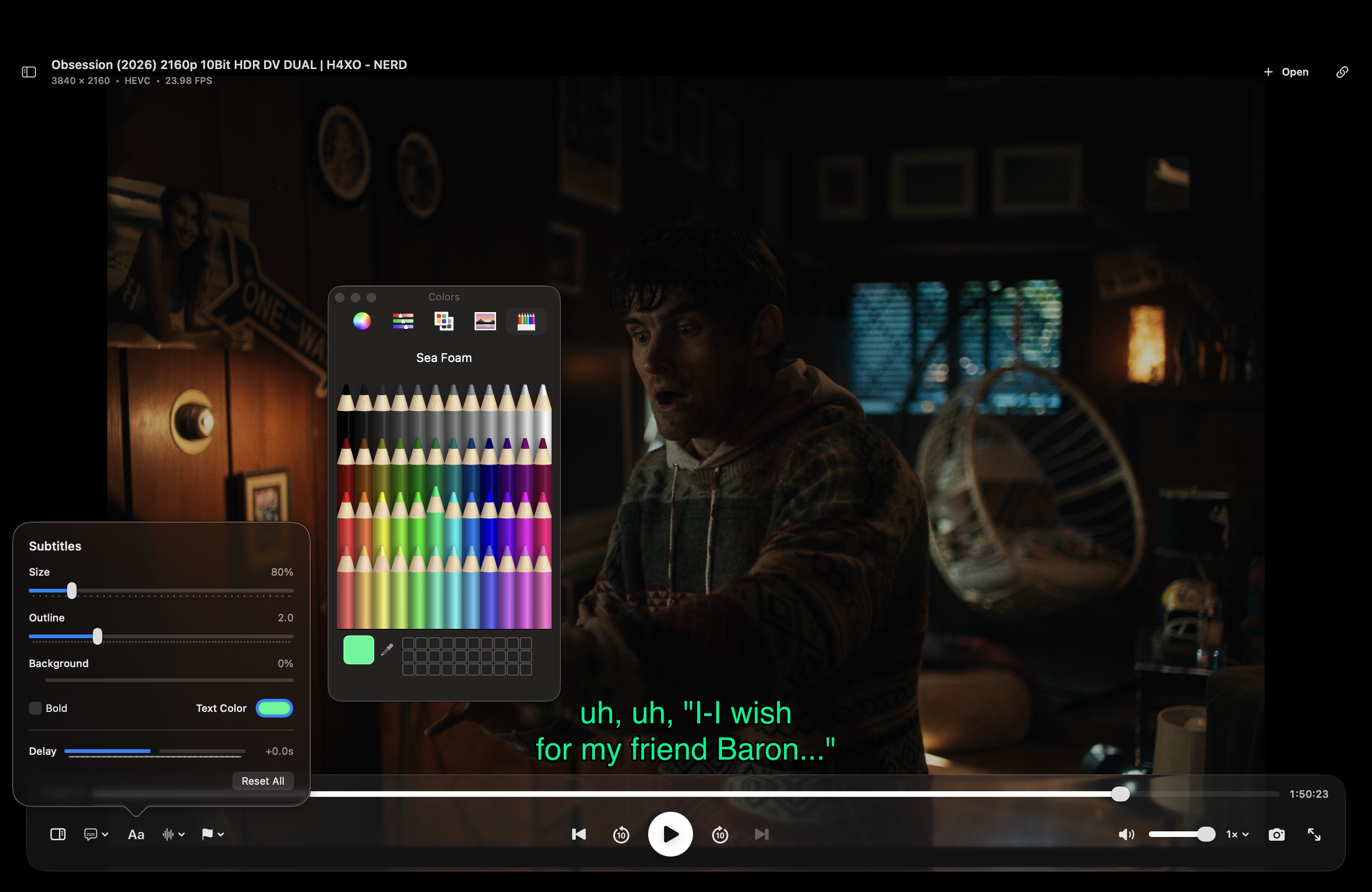
Subtitle controls
Adjust size, outline, background, weight, color, and sync delay while the video keeps playing. Subtitle placement also moves above the playback controls automatically when they appear.
The settings stay with you between sessions, so your preferred subtitle style is ready the next time you press play.
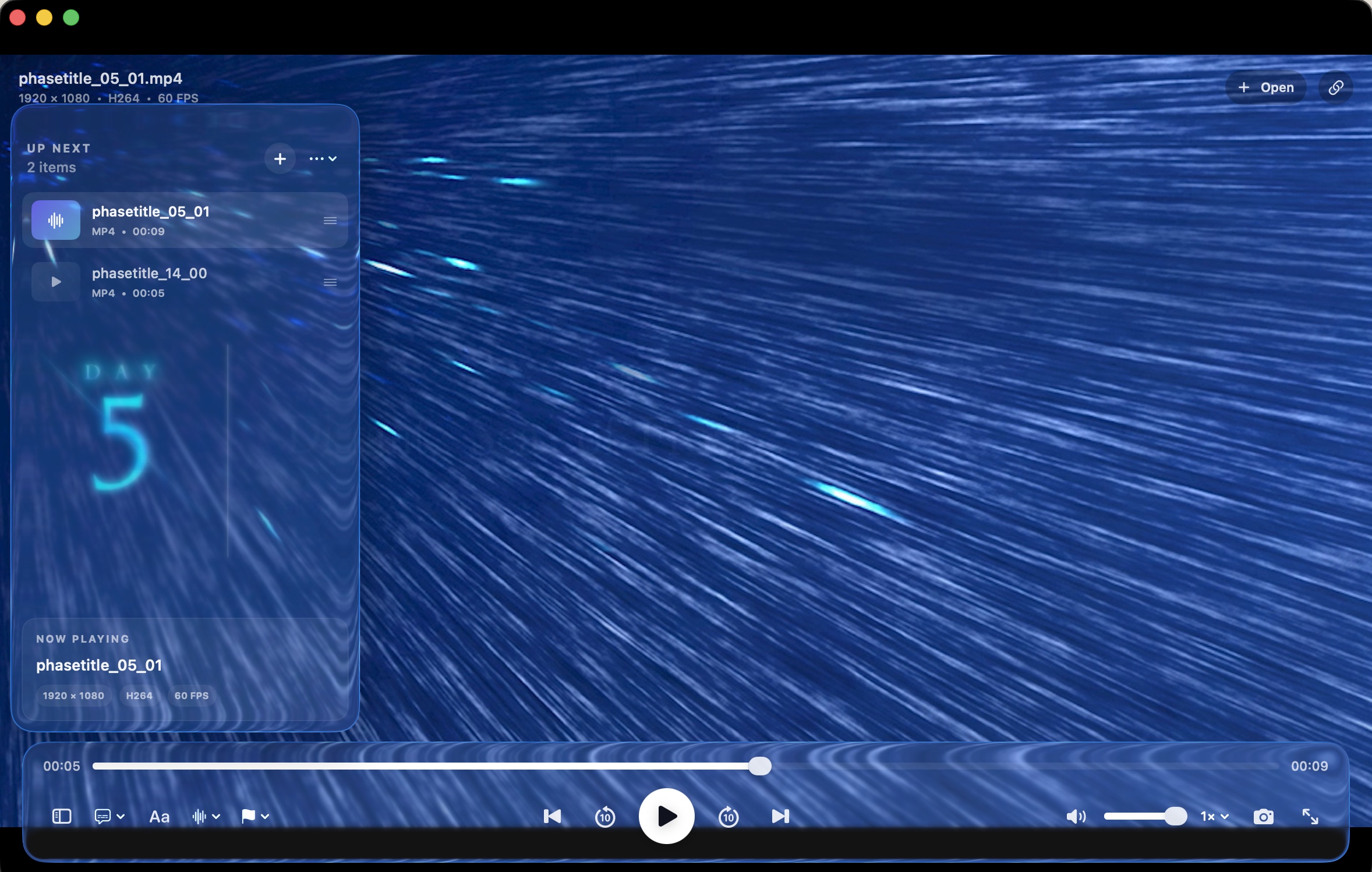
Queue, organized
Add a selection of files, drag items into the order you want, and move through episodes with next, previous, and repeat controls. The sidebar stays close without taking over the screen.
Reorder items while something is playing, then return to a clean fullscreen view whenever you are ready.
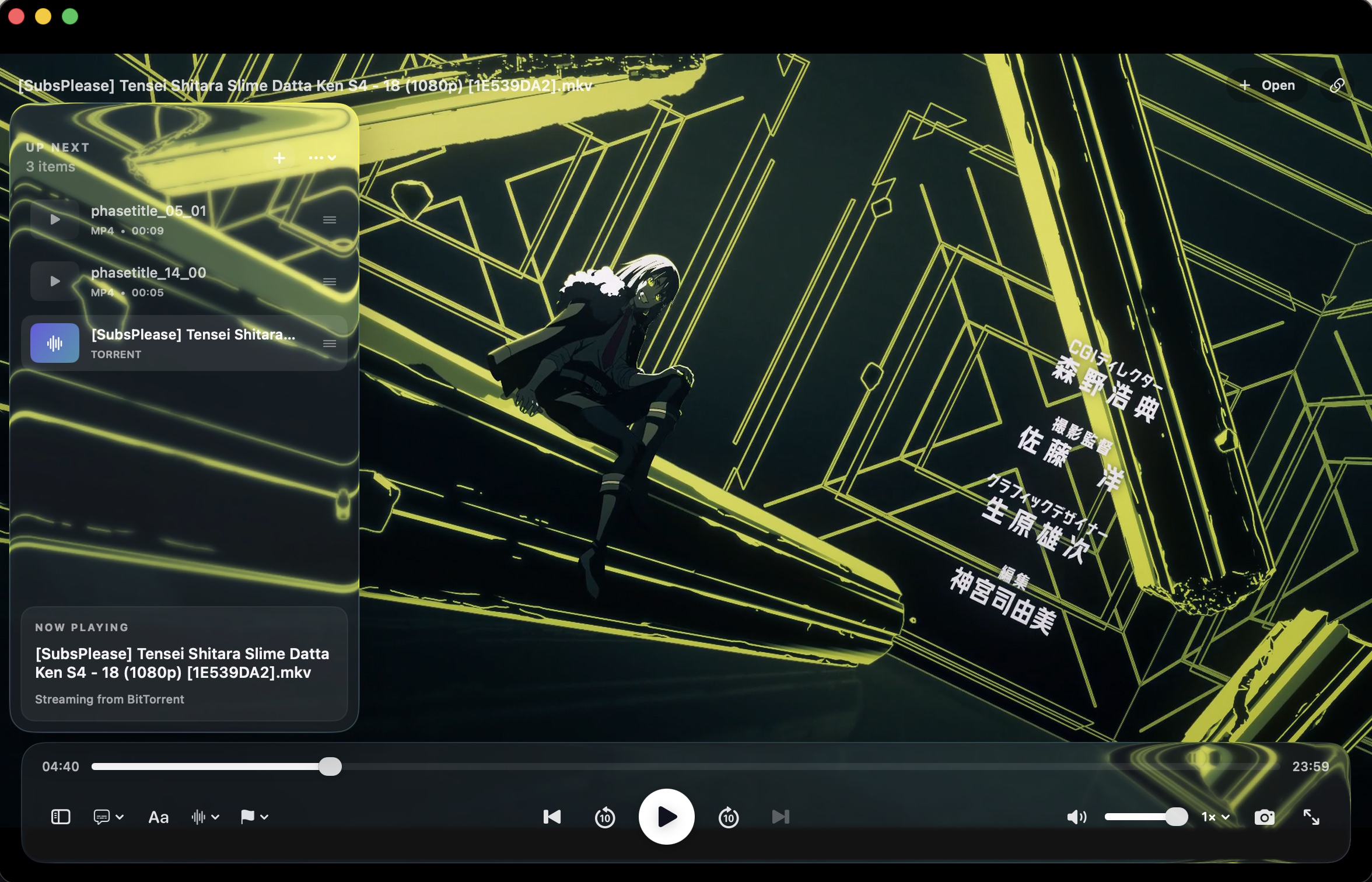
Live torrent playback
Open a .torrent file or magnet link and macmpv starts
playback as soon as enough data is available. WebTorrent delivers the
selected video directly to the player as it downloads.
Multi-file torrents expand into the queue in natural filename order, so you can pick any episode or track. The + Torrents build bundles WebTorrent, so live playback works without a separate setup step.
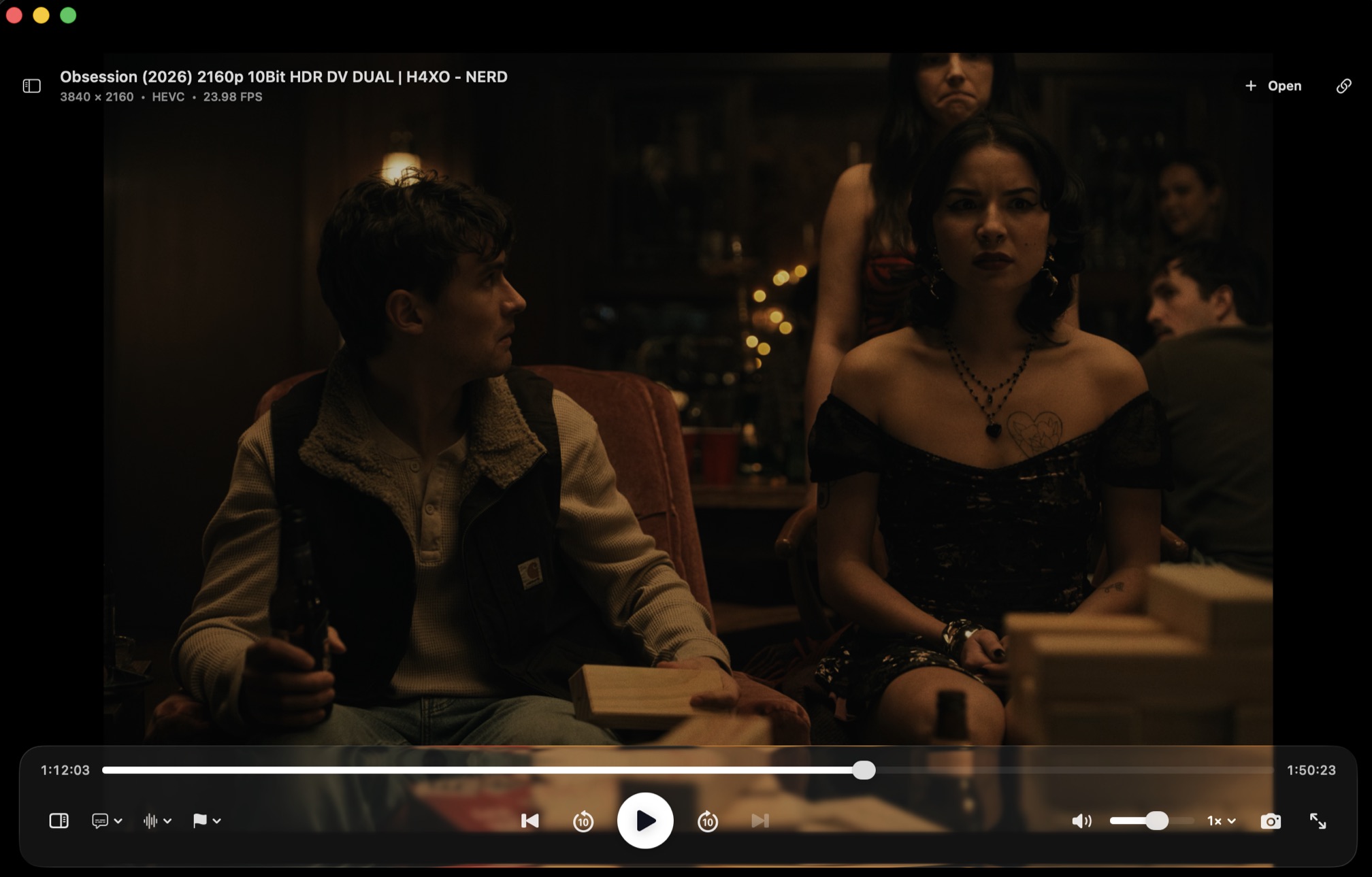
The controls you need, there when you need them.
A real Mac app written in SwiftUI, with hardware-accelerated playback powered by mpv.
Any format FFmpeg supports — MP4, MKV, WebM, FLAC and dozens more — plus HTTP, HTTPS, RTMP and RTSP streams.
Start watching magnet links and .torrent files as they download, with every playable file in a torrent available from the queue.
Drag and drop, reorder, repeat one or all, and jump between episodes with next/previous.
Size, outline, color, background and sync delay — all adjustable. They even move out of the way of the controls on their own.
Per-file resume positions and saved intro/outro markers, so binge sessions remember everything.
Full-screen playback, screenshots, speed control and scrubbing — all with the keyboard commands you already know.
mpv, the FFmpeg libraries and ffprobe are bundled in the app — no Homebrew, no extra installs.
Free, open source, and yours to keep.
Choose Standard, or + Torrents with WebTorrent already bundled.
Open the dmg and drop macmpv into your Applications folder.
The first launch asks macOS for permission — see the note below. Then just play.
The + Torrents build plays magnet links with zero setup — WebTorrent
is bundled. The standard build is smaller; add torrents later with
npm install -g webtorrent-cli if you ever need them.
No. The app bundles libmpv, the FFmpeg libraries and ffprobe inside the .app — nothing else to install.
Magnet links and .torrent files stream on the fly, with playback beginning as soon as enough data is available. Multi-file torrents appear in the queue in natural filename order, and you can select any supported video or audio file. The standard download needs WebTorrent CLI (npm install -g webtorrent-cli); the macmpv + Torrents build above bundles it, so torrents work out of the box.
Not from the download — the dmg is built for Apple Silicon. Intel users can build from source on the GitHub repo.
Yes — open source under the Apache 2.0 license. Star the repo if you like it.
Help shape macmpv
Send a feature request or bug report through the feedback form. Every response helps improve the player.